Saturday, February 26, 2011


Cricut Imagine


Imagine More


Imagine More Cards


Hopscotch


Country Carnival


Other Cricut cartridges


Boys will be boys


MS All Occasions cake art


Walk in My Garden


Imagine More- Sun was printed and cut using the layered feature. Image page 4 handbook.


Imagine More Cards- Journal tag- page 15 handbook.


Hopscotch- Cloud was printed and cut using the Imagine cloud shape.


Cloud print page 5 handbook.

Country Carnival- I printed a full sheet using the print on page 54 handbook. This was used to create the print background element at the base of the layout. Also to create the flowers and stems. The blue background card used for this layout was from my stash and was not created using the imagine.


Boys will be Boys- Trikes - page 36 handbook colour palette (Hopscotch) printed and cut 2.5. I used the fit to page feature to get all the cuts on one sheet of white card stock. The word zoom was printed and cut @ 1.3 colour palette (Hopscotch) Shadow was cut @ 1.4 rgb black.


MS All Occasions cake art-Grass colour palette (Hopscotch) printed and cut @ 1.5. page 85 handbook. Banneret printed and cut @ 1.5 colour palette (Hopscotch).


Walk in my Garden- Flowers cut @ 1.3 page 85 handbook. Caterpillar was printed and cut @1.4


Other items used to create this layout buttons, string, pop dots, ink Vera Color 55 Umber, Dimensional Magic and Pritt Gel.


Sunday, January 16, 2011


Cricut Imagine
Best Friends
Blast Off
.....
You're my little princess
.....
To make this layout I used Bazzill card for the base.
I inked around the edge using Versa Color 80 White.
I used white Bazzill card for printing the images.
.....
The decorative mat was printed and cut fit to page
from the Bonus Content Best Friends cartridge
page 29 handbook
.....
The title heading was printed and cut from
Best Friends cartridge
page 16 handbook.
I used fit to page for the base layer.
I printed and cut the title image
You're my little princess @ 6
and the crown layer @ 6
I used pop dots to layer the images.
I used Gemstone Stickers 'Bloomin Bling' to embellish the title.
.....
I printed and cut the frame
page 21 handbook as a combined image.
I embellished the flowers on the frame
using a clear Glaze Pen.
.....
The princess was printed and cut using the layer images.
I used pop dots to layer the dress, her head and crown.
The crown on her head and the crown for the title
I used Dimensional Magic on the jewels to add
dimension and highlights.
I added a small pink bow onto the dress also
to add dimension.
.....
The castle image is from the BLAST OFF cartridge.
page 38 handbook
I changed the colour of the base image to pink.
The colour of the flags and the roof images
were also changed to a darker pink.
Pop dots were used to layer the images of the castle.
Dimensional Magic was used on the flags.
I also used the Glaze pen on the door of the castle and windows.
.....
Please note I used the image on page 1
of the Best Friends handbook
of the scrapbook layout as inspiration.


Sunday, January 2, 2011


Cricut Imagine Ancestry Colors & Patterns & Cricut Heritage
.....
Car - Heritage cartridge page 62 handbook
Printed and cut on the Imagine
Pattern for the car page 7 handbook Ancestry Cricut Imagine
I inked around the edges using Versa Color 55 Umber
.....
Card base Bazzill card
.....
Patterned card Cricut Imagine Ancestry
pages 10 & 11 handbook
.....
E K success open scallop edger punch
.....
Happy Birthday - Little Bits rubber stamp set - Lizzie anne designs
.....
Other items 3 brown split pins, 2 brown flowers, brown string and a button.
.....


Cricut Imagine Nursery Tails & Create a Critter
.....
Card base Bonus Content Cricut Imagine Nursery Tails
page 29 handbook
.....
Trees printed and cut @ 7 using layers
page 25 handbook
.....
So Fun - Create a Critter cartridge page 55 handbook
printed and cut @ 2.5 Pattern page 41 Nursery Tails handbook
.....
Frog in the pond printed and cut @ 3 using layers
page 9 Nursery Tails handbook
.....
Giraffe was printed and cut @ 4
other layers cut @ 2.5
page 3 Nursery Tails handbook
.....
Tag printed and cut @ 3 using layers
page 23 Nursery Tails handbook
I adhered a dragonfly onto the tag.
.....
This is my very first scrapbook page using the Cricut Imagine.

Saturday, December 18, 2010


Snow Angel Imagine and George and Basic Shapes
.....
Base for the card Bazzill card cut @ 12 x 4 3/8 inch
Fold card in half and round the corners
.....
First layer basic shape Cricut Imagine
Pattern page 38 handbook
Printed and cut @ 5.8
Trimed to fit card and round the corners.
.....
Second layer Rectangle George and Basic Shapes page 100 handbook
Pattern page 36 Snow Angel Imagine handbook
Printed and cut @ 5.8 (round corners)
.....
Icon image page 31 Snow Angel Imagine handbook
Printed and cut @ 3.5
....
Snowman for inside of card page 11 S. A. handbook
Printed and cut @ 2.
.....
Other items used to make this card
ribbon, pop dots, adhesive, Pritt gel to adhere the bow.
I used my computer and printer for the sentiment
inside the card.


Cricut Imagine Snow Angel & George and Basic Shapes
Card base Bazzill card 12 x 4 1/4 inches folded in half
Rectangle-George and basic shapes page 116 handbook
Pattern for rectangle page 41 handbook Snow Angel
Printed and cut @ 5.8 x 4.3
Note mat basic shapes Cricut Imagine
Pattern page 43 handbook Snow Angel
Printed and cut @ 3.0
Scallop oval mat basic shapes Cricut Imagine
Print and cut base @ 2.6 colour palette Snow Angel (green)
Print and cut top layer @ 2.5 pattern page 43 handbook Snow Angel
Snowman (flip for front of card) printed and cut @ 2.2 page 11 handbook Snow Angel
I also printed and cut a Snowman for the inside of the card @ 2.0
Merry Christmas- Fundamentals Xmas stamp set
Other items used to make this card- pop dots, ribbon and adhesive
I used white card for the inside of the card cut @ 5 3/4 x 4 inches

Sentiment on the inside of the card reads
Wishing you a
Merry Christmas
and a
Happy New Year
I used my computer and printer to create the sentiment for the inside of the card. After I printed the sentiment onto the white card I adhered the Snowman to the bottom right hand corner. Then adhered it to the inside of the card.

Cricut Imagine
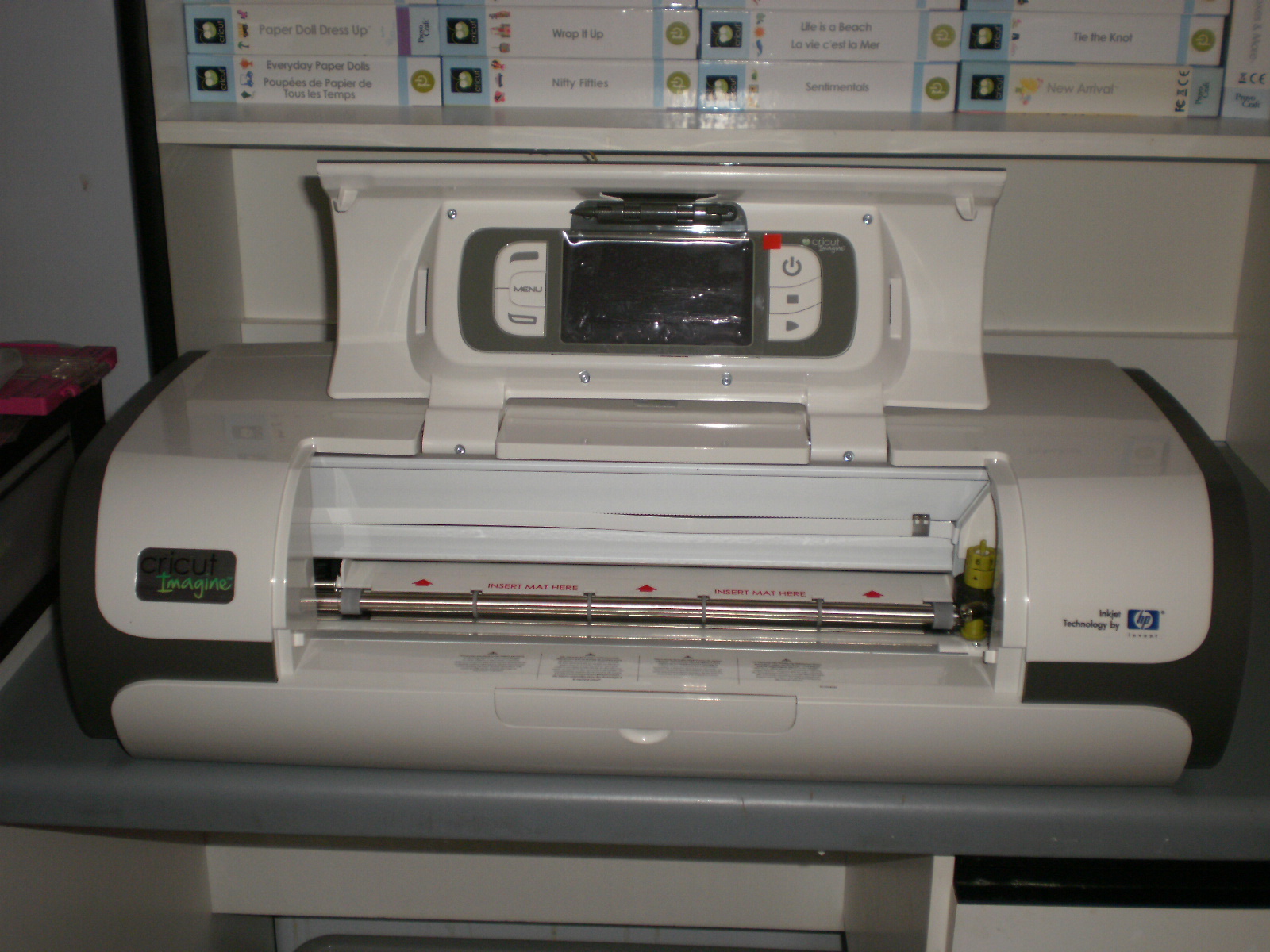
Since the launch of the Cricut Imagine at CHA and then its release through HSN in America I knew straight away I had to have one of these. I had preordered it from Photo Contintental at Mt Gravatt here in Brisbane and it arrived last Thursday. So Thursday evening after work I went and got it. Then on Friday after the cartridges for the machine arrived at the store I went back and purchased some of the cartridges. I received an early Christmas present from my sister who was with me. She bought me a pattern cartridge Audrey for the Imagine. My husband also gave me a gift voucher and I used it to purchase other cartridges for this machine. A very special THANK YOU to my husband and sister. I love my presents.